Leggi questa guida in italiano
How to pack a computer, cables and accessories for a move
Back up your data first, then the desktop and the printer, then the cables one device at a time: packing a desk without losing any pieces.
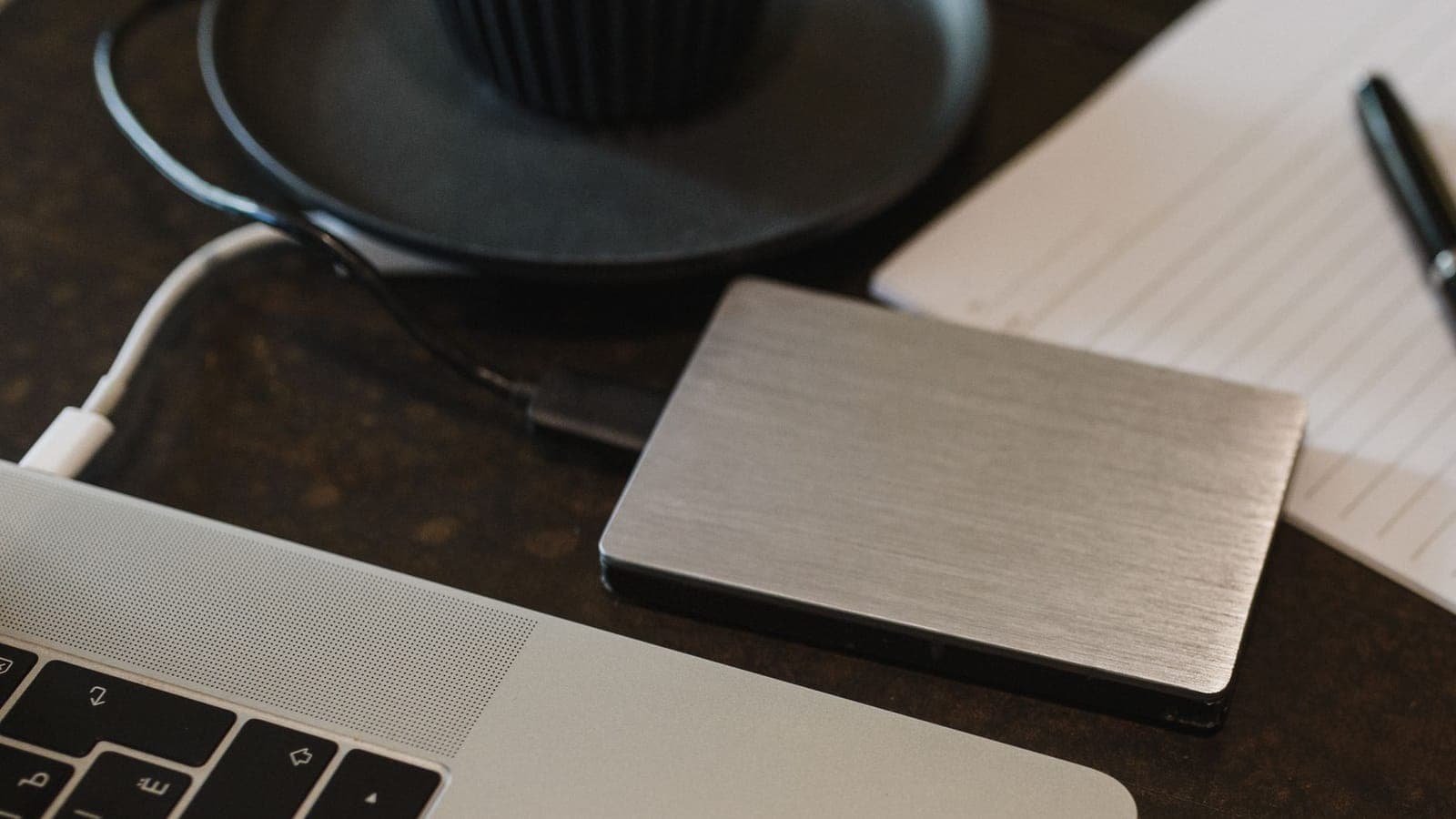
The desk is the last corner of your home you take apart, because you work at it until the day before. Then, on the evening before the move, you face a tangle: the monitor cable, the printer cable, three identical chargers, an adapter that you can no longer match to anything. Each one on its own is nothing. All thrown into the same bag, they turn into an hour at the new place spent trying plugs.
A computer also has something the other things in your home do not: the part worth the most is the part you cannot see. You can buy a new case. You cannot buy back the photos and documents stored inside it. That is why this guide starts with the data and ends with the cables, and not the other way round.
Before you unplug, back up your data
A few days before the move, copy everything you do not want to lose: documents, photos, work folders. Put it on an external drive, on an online storage service, or on both. Then open two or three files from the backup, picked at random, to check that they really open. A backup you have never checked is a backup you know nothing about.
The drive with the backup does not go in the same box as the computer: a single knock could damage both. The drive travels with you, in the bag that holds your documents and keys, and the reason is in the article on the things to keep out of your boxes. Your laptop goes in the same bag, with its charger.
The desktop, the screen and the printer
The case of a desktop computer is the heaviest thing on your desk. If you still have its original box with the moulded inserts, put it back in there. If you do not, look for the manual for the case, and the one for the graphics card if you have a large one: if the manufacturer gives instructions for transport, that is where they are, and they apply to your model more than any general advice does.
Then wrap it in a blanket and keep it upright, in the position it stood in under the desk. If one side panel is glass, that side faces something soft. And during the trip nothing rides on top of the case, not even an empty box.
The monitor is a TV in miniature, and it follows the same rules: take off the stand, cover the screen with a cloth, wrap it and keep it upright. The full method is in how to pack a TV and other screens, so there is no need to repeat it here.
The printer needs one extra step. Open its manual at the section on moving it: it tells you whether the cartridges should come out or stay in, and whether there is a procedure to park the print head for transport. Take the paper out of the tray, along with anything else that moves around inside. If the cartridges come out, they go in a sealed bag, away from fabrics: ink stains.
The cables, one device at a time
The tangle does not start on moving day. It starts when you unplug everything at once and put all the cables in the same bag. You avoid it by unplugging one device at a time and finishing with it before you move on to the next.
- Take a photo of the back of the computer before you touch any plug: it is the map you will use to set it up again.
- Pick one device, the monitor for example, and unplug only its cables.
- Coil each cable in wide loops, without bending it sharply near the plug, and hold it with a hook-and-loop strap or a rubber band.
- Stick a piece of masking tape on each cable with the name of the device: "monitor", "printer", "speakers". The tape goes on the cable, not on the box.
- Put that device's cables in a resealable bag, together with its power supply and adapters, and write the same name on the bag.
Only then do you start on the next device. Your phone and headphone chargers stay out of this round: you use them until the last evening, so they belong in the bag that stays with you.
One box for the whole desk
At the end you have a few named bags, plus the keyboard, mouse, headphones, webcam and power strip. They all go together, in one box that holds the desk and nothing else, with a tag that says so. If the bags get mixed in with the pans or the books, at the new place you will be looking for them in ten different boxes.
The Cangubox measures 60 × 40 × 36 cm on the outside, and cables and small items are among the things its product sheet lists as contents. The lid needs no tape: on moving day you open it again to drop in the mouse you used until the very end, and there is nothing to cut. Full boxes then sit one on top of another with the lid closed, so the desk box ends up in a column with the others instead of on its own in the middle of the room.
At the new place, set up the desk once the table has its spot, not on the floor between the boxes. Open one bag at a time, looking at the photo of the back, and only switch the computer on when everything is connected. Then open two or three files on the computer, the same ones you checked on the backup: if they open there too, your desk has finished its move.